

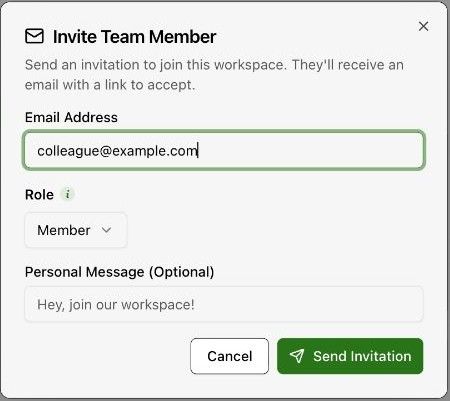
Invite
Under Configuration → Team, invite by email and pick a role: Owner, Admin, Member or Viewer.
Permissions
Configuration → Team → Roles explains each role and shows the default permission matrix; Owner and Admin start with every permission, Member with most, Viewer with read-only access.
A role sets a person's starting permissions. After that, permissions are per person: open a member and use the Roles & Permissions tab to switch individual permissions on or off. Changing someone's role resets their permissions to that role's defaults.