

Usage steps
-
Review Current Plan, Current Balance and the estimated remaining minutes. Check the per-minute rate shown for your plan.
-
Inspect Recent Activity to understand credit deductions and additions.
-
Use Add Credits when an authorised top-up is needed. Review the amount and payment details before completing a purchase.
-
For Auto Top-Up, review the payment method, balance threshold, top-up amount and Monthly cap.
-
Save changes only after checking the recurring payment behaviour. Monitor cap usage and payment-failure alerts.
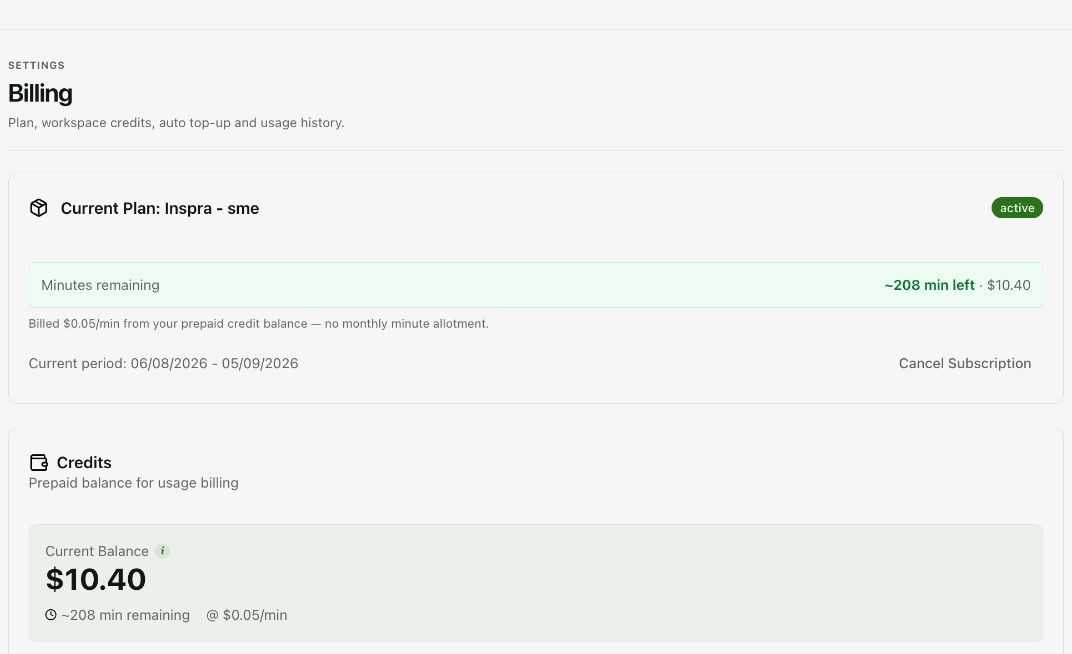
Expected result. You understand the workspace balance and the conditions under which credits are added.
Practical notes and troubleshooting. Rates, limits and plan terms vary. A remaining-minute estimate is not a guaranteed allotment, and an exhausted balance can block calling.