

Usage steps
-
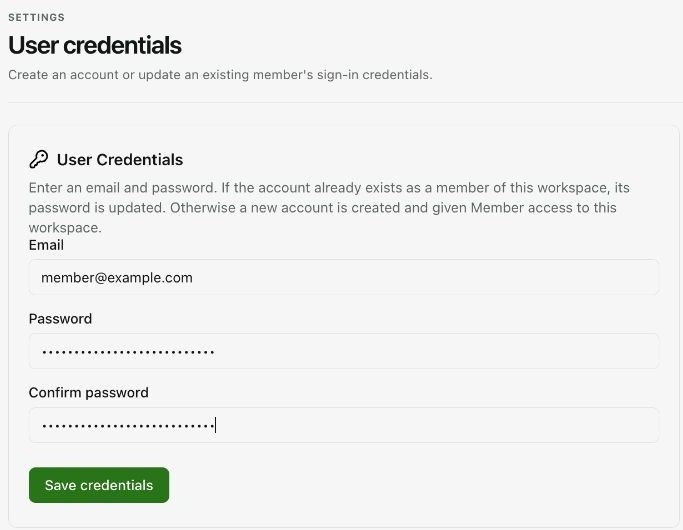
Open User Credentials and read the account behaviour displayed above the form.
-
Enter the member email. If the account already belongs to this workspace, saving updates its password. Otherwise, the interface states that it creates an account with Member access.
-
Enter the new password with at least eight characters, then enter the same value in Confirm password.
-
Check the email carefully before selecting Save credentials. This action changes access to the account.
-
Use your organisation-approved process to provide access to the member and have them confirm sign-in.
Expected result. The intended member has the updated sign-in credentials.
Practical notes and troubleshooting. Use Team → Invite Member when you want to send an invitation. Password administration and invitations are separate workflows.