

Usage steps
-
Open the sign-in page.
-
Enter your email address and password, then select Sign in. Use Show password only when it is safe to view the password on your screen.
-
If your account uses Google sign-in, select Sign in with Google and complete the sign-in flow for that account.
-
If you cannot remember your password, select Forgot password and follow the recovery instructions. New users can use Get started or ask their administrator for an invitation.
-
After signing in, check the workspace name before creating agents or reviewing data.
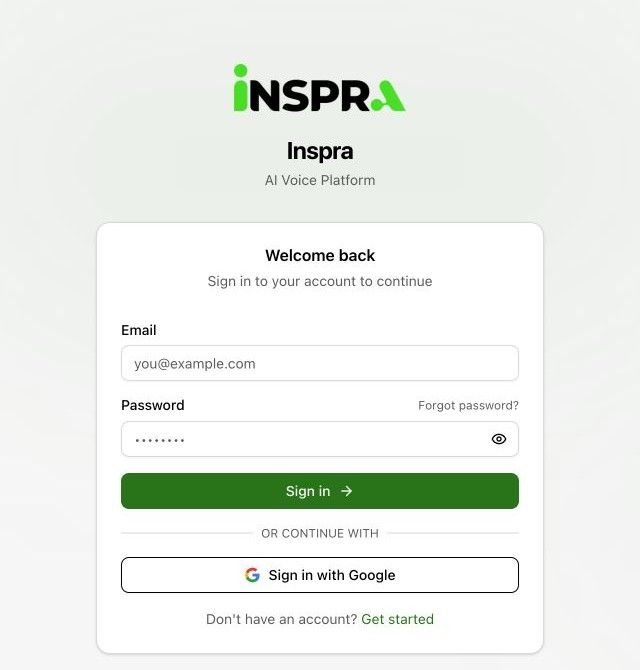
Expected result. You are signed in and can access the workspaces available to your account.
Related next steps
Find your way around the workspaceA workspace groups the agents, calls, campaigns, knowledge and configuration used by a team. The sidebar is the starting point for each workflow in this guide.Build your first working agentUse this sequence for a first agent: define the job, configure its voice and instructions, add approved knowledge, test the conversation, and then connect a deployment channel.