

Usage steps
-
Choose one initial job, such as answering common product questions. Write down the information the agent may use and when it should hand over to a person.
-
Create the agent with a descriptive name, provider (Native Agent, Vapi or Retell), direction, language model and voice. A phone number can be added later.
-
Set the First Message and System Prompt. Give the agent a clear scope and tell it how to handle missing information.
-
Attach the relevant knowledge documents. Add tools only for actions the agent needs to perform, and describe their use in the prompt.
-
Save the configuration. When you are ready to use your microphone, select Web Call, try the main conversation and an edge case, and select End Call.
-
Review the call and improve the agent. Connect an inbound number or create an outbound campaign only after the test behaves as expected.
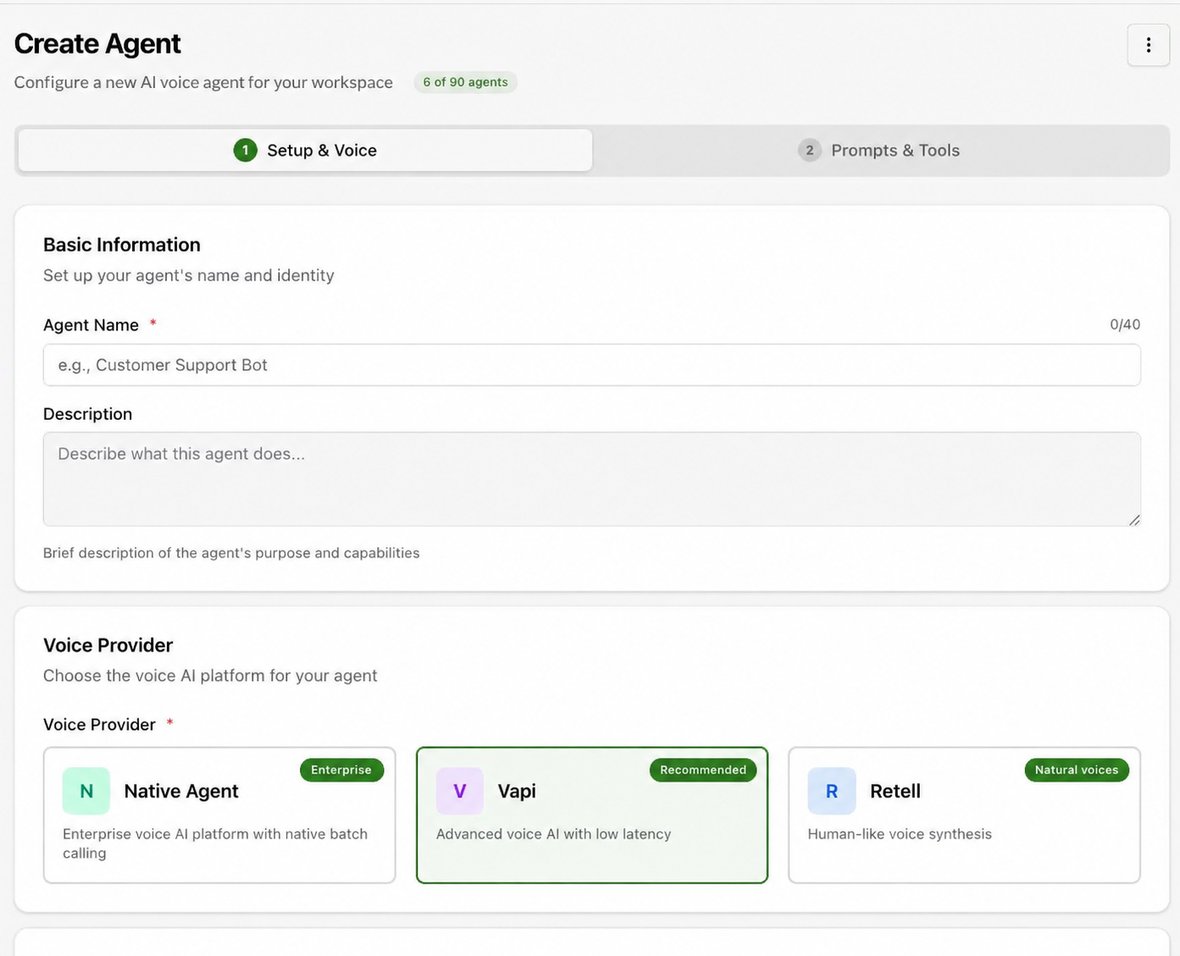
Expected result. You have an agent that can be tested and is ready for deployment configuration.
Practical notes and troubleshooting. Web Call starts a live browser test immediately. Be ready before selecting it.