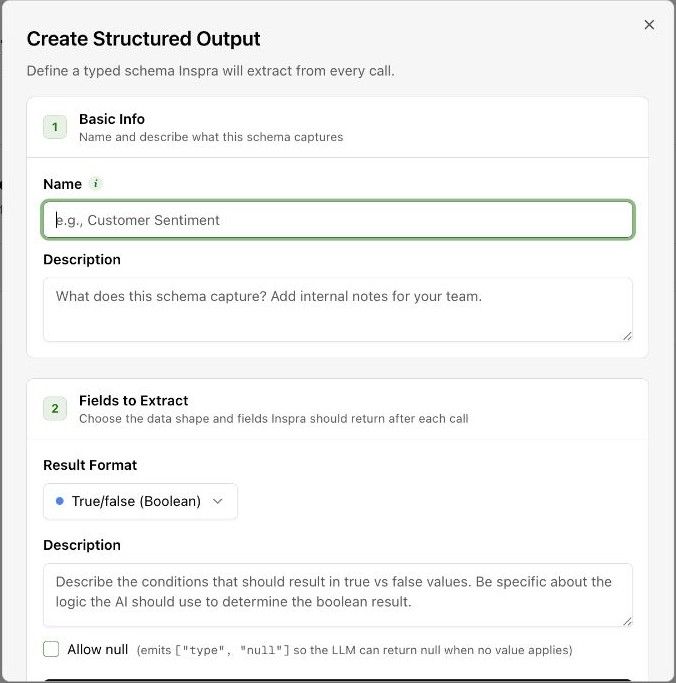
What runs after a call
Voicemail detection first. If a person answered, the call gets a disposition, a sentiment and a summary, then your extraction fields are filled in. Results appear on the call within about a minute of it ending.
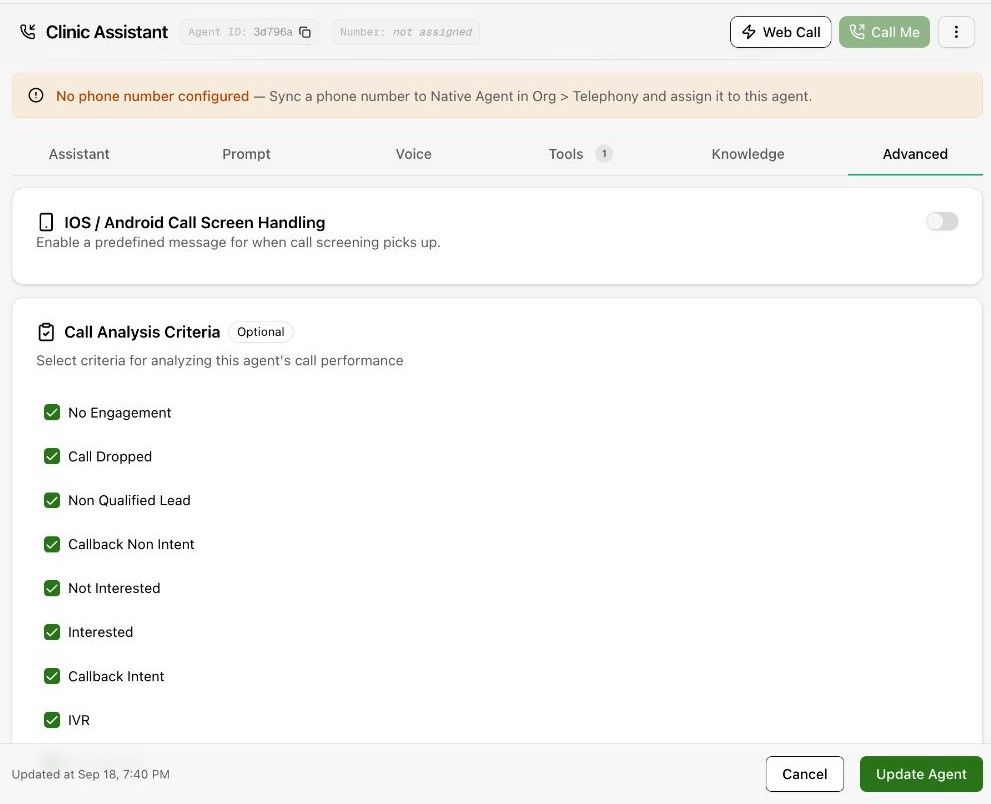
Choose the disposition set
On the agent's Advanced tab, Call Analysis Criteria lists the dispositions this agent may be classified into. Leave it empty to use the defaults.
Extraction fields
Also on the Advanced tab, add the fields to extract from every call: a name, a type (string, number or boolean) and a description the model reads. Values show on the call's AI Summary tab and in the API's call object.
Reusable definitions
Resources → Analysis & Output has two tabs: Call Analysis Criteria, where you create the criteria agents are evaluated on, and Structured Output, where you define schemas that extract typed data (booleans, numbers, lists or whole objects) from each call.