

Usage steps
-
Open Voice Library and use Search voices to find a voice by name or description.
-
Narrow the results with Language, Accent, Gender and Style. Use Native voices or Favourites to change the collection.
-
Select Listen on a voice card to hear its sample. Open Details for its description and additional samples.
-
In Details, use Try your own text and Generate preview when you want to hear a specific sentence. Review any usage conditions shown before generating.
-
Use the favourite control to shortlist a voice. Return to the agent Voice tab to choose the available voice for that agent and save.
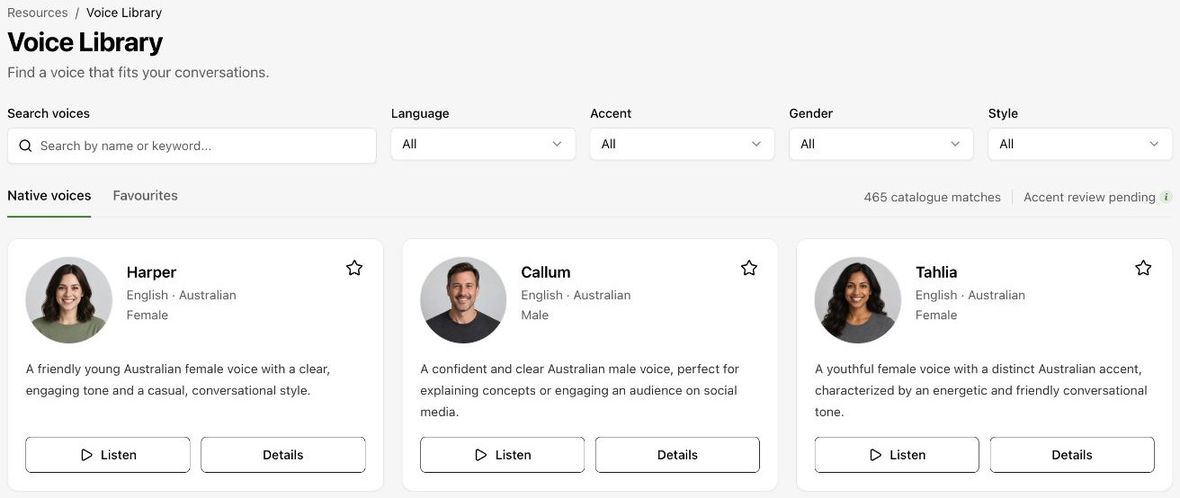
Expected result. You have compared voices and identified a suitable choice.
Practical notes and troubleshooting. Supplied samples may differ from the production model. Test the selected voice in the actual agent.