

Usage steps
-
Review the call header and Overview to confirm that you opened the intended agent, direction and time.
-
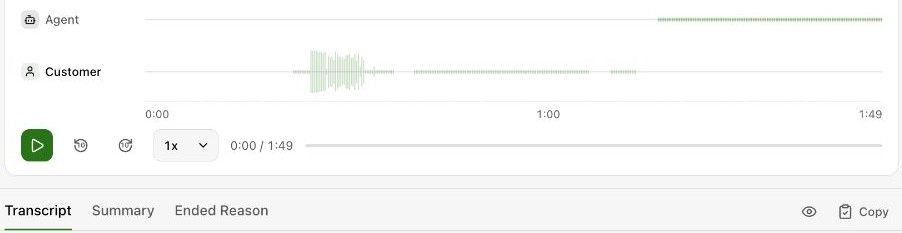
Use Play, Back 10 seconds, Forward 10 seconds and Playback speed to review the recording. Use Download recording only when you need a local copy.
-
Read Transcript and use the timestamped turns to locate the relevant part of the conversation. The fullscreen and Copy controls help with longer transcripts.
-
Open Summary and Ended Reason for the available interpretation and termination information.
-
Review Extracted data for returned values and Technical for identifiers and provider status. Use Prev and Next to move through the current result set.
Expected result. You can compare the recorded conversation with its outcome and extracted values.
Practical notes and troubleshooting. Check the transcript or recording before acting on an AI-generated summary or classification.