

Usage steps
-
Review Workspace Name and Description. Make an authorised change and use the save control for that section.
-
Review Default Timezone, which is used for campaign scheduling and displayed dates. Save the preference if you change it.
-
Use Copy workspace ID when an integration requires the identifier. Use View API documentation for the current API reference.
-
To create a key, select Create API Key and enter a descriptive Key name. Review the intended use before selecting Create.
-
Store the new key securely when it is displayed. The interface states that it is shown only once. Use Revoke key when an integration no longer needs access.
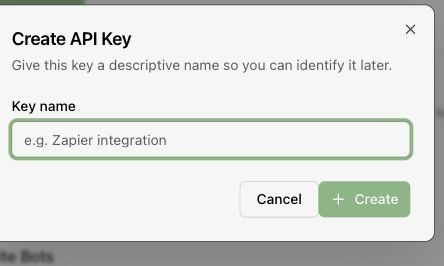
Expected result. Workspace preferences are correct and the intended integration has its own identifiable key.
Practical notes and troubleshooting. General also contains Account Security and workspace deletion. Password changes should be completed by the account holder; workspace deletion permanently removes the workspace and its data.