

Usage steps
-
Review the existing SIP trunks before adding another connection. Check the direction, termination URI, protocol and status.
-
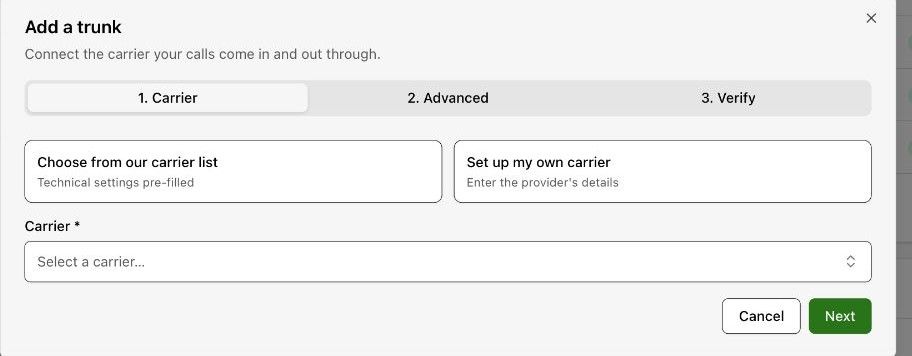
Select Add SIP trunk. Choose a carrier from the list for pre-filled technical settings, or choose Set up my own carrier.
-
For your own carrier, enter the SIP host and choose the authentication approach shown, such as Username & password or Fixed IP address.
-
Continue through Carrier, Advanced and Verify. Use the values supplied for your carrier and review verification results before completing the setup.
-
After saving, confirm the trunk is available and connect the appropriate phone numbers.
Expected result. A carrier connection is available for number routing.
Practical notes and troubleshooting. Some settings are organisation-managed. Obtain the actual carrier values rather than copying an example URI or IP address.