

1. Find a test
Open Agent Testing. Use Search tests to narrow the table by scenario or agent. The screenshot searches for Alex and shows only the guide agent's existing scenarios.
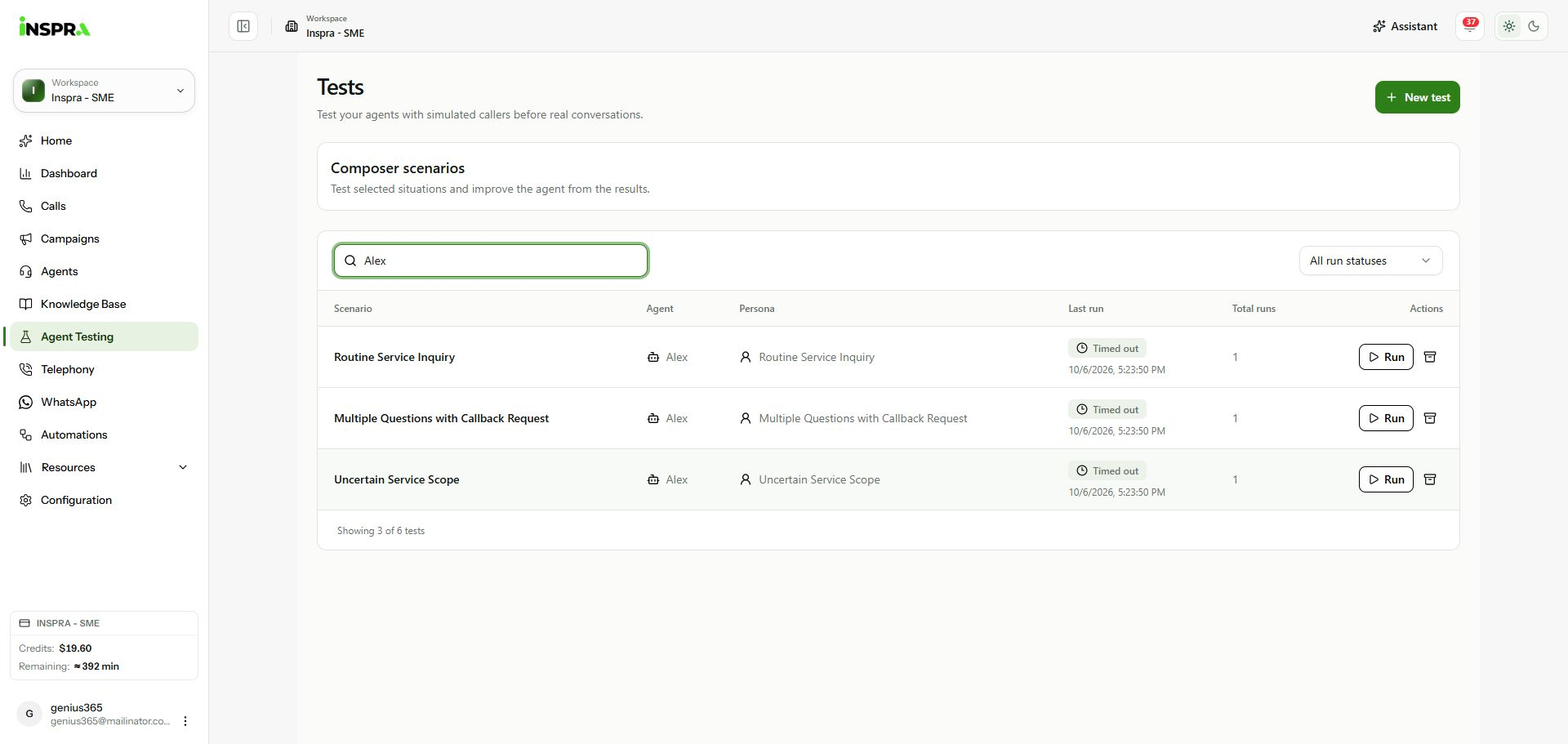
Test list filtered to Alex, showing scenario, agent, persona, last run and total runs. 2. Filter by run status
Open All run statuses to choose Queued, Running, Completed, Failed, Timed out or Never run. Read Last run and Total runs for each scenario. The existing Alex examples show Timed out; a run status is not a scorecard pass or fail.
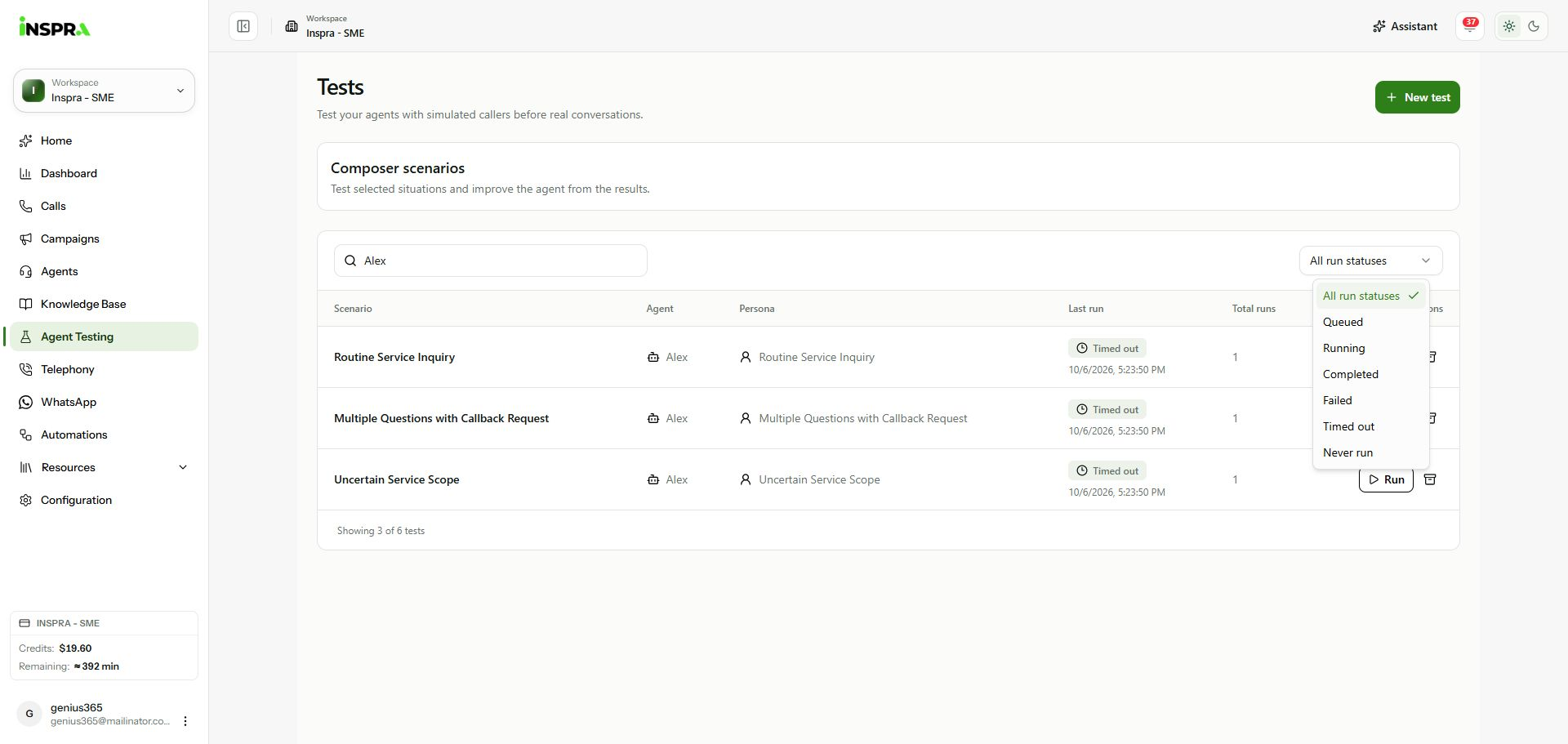
Last-run status filter open above the Alex test table. 3. Open or run a scenario
Click a scenario name to open its details and run history. Use its Run button only when ready to start another simulation. To configure a different scenario, click New test and follow Create test.
Test list
Find saved scenarios, check their latest run status and open their results.