

Open SMS → Logs. This screenshot uses a no-match search so customer phone numbers and message contents are excluded.
1. Filter the delivery log
Choose Status and Campaign, set From and To dates, or enter a search term. Status options include Queued, Sent, Delivered, Failed, Undelivered and Opted out. Use Clear to reset the filters.
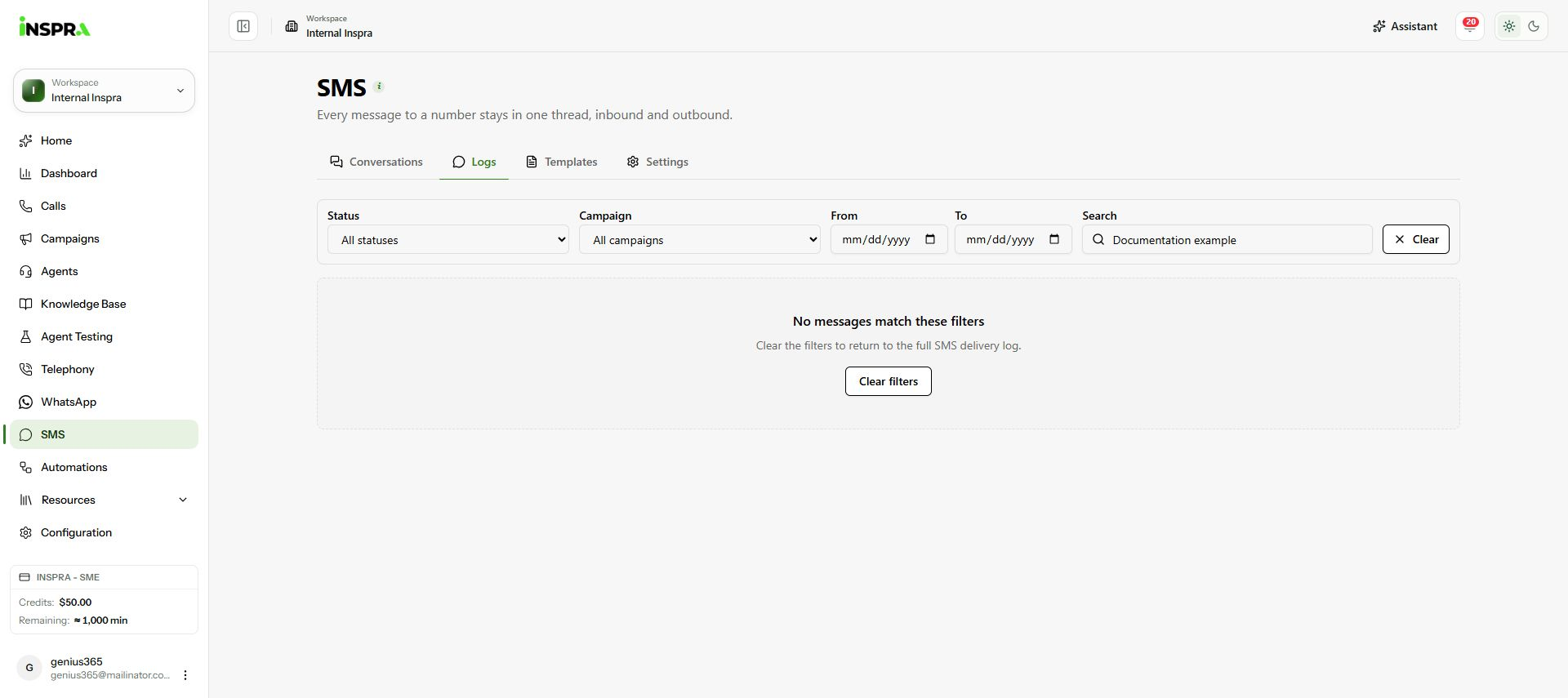
SMS log filters with no matching customer messages. 2. Check the result
Matching rows show To, From, Campaign, Status, Segments, Sent and Error. Use Previous and Next to move between pages. A failed row's error helps identify the delivery problem.
3. Read the message when needed
Use a row's Show message body control to inspect its content. Check the recipient before using the message for follow-up. Populated rows and expanded message bodies are reserved for customer-data review.