

1. Open User Credentials
Open Configuration → User Credentials if this restricted page is available to your account. Confirm whether you intend to create a new account or update an existing workspace member.
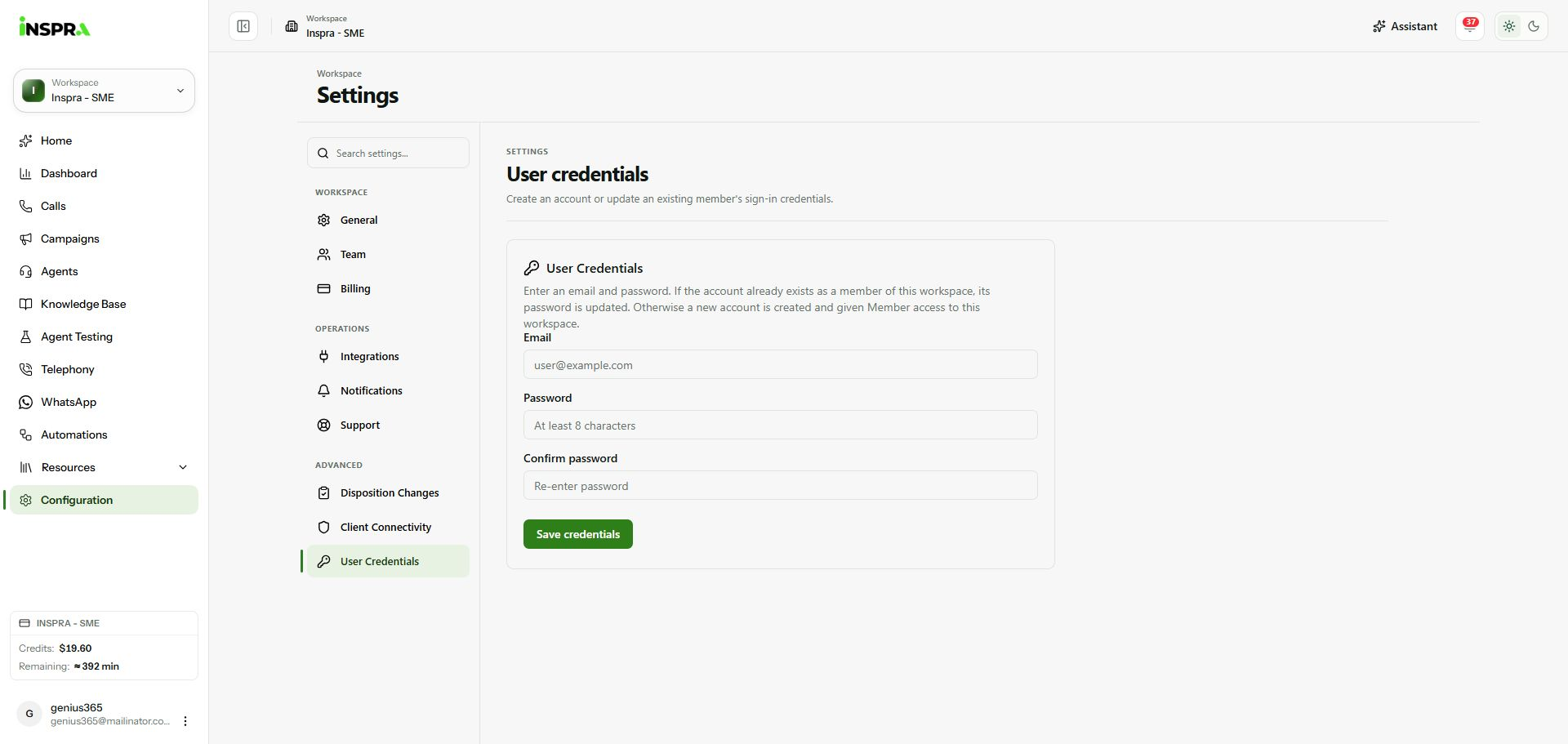
Empty credentials form; no email or password was entered. 2. Enter and confirm the credentials
Enter the intended Email, a Password of at least eight characters and the same value in Confirm password. Check the email carefully: saving for an existing workspace member changes that account's password.
3. Save and check the result
Click Save credentials when ready. A new account receives Member access to the workspace; an existing member's password is updated. Check the success message. The guide capture leaves the form blank and does not create an account or change any credentials.
User Credentials
Create an account or update an existing member's sign-in credentials.