

1. Find and open the flow
Open Automations. Flows are grouped by type. Each row shows the name, status, saved version, validation summary and last update. Click the name to open the builder. Refresh the page if a recent save is not reflected in the row.
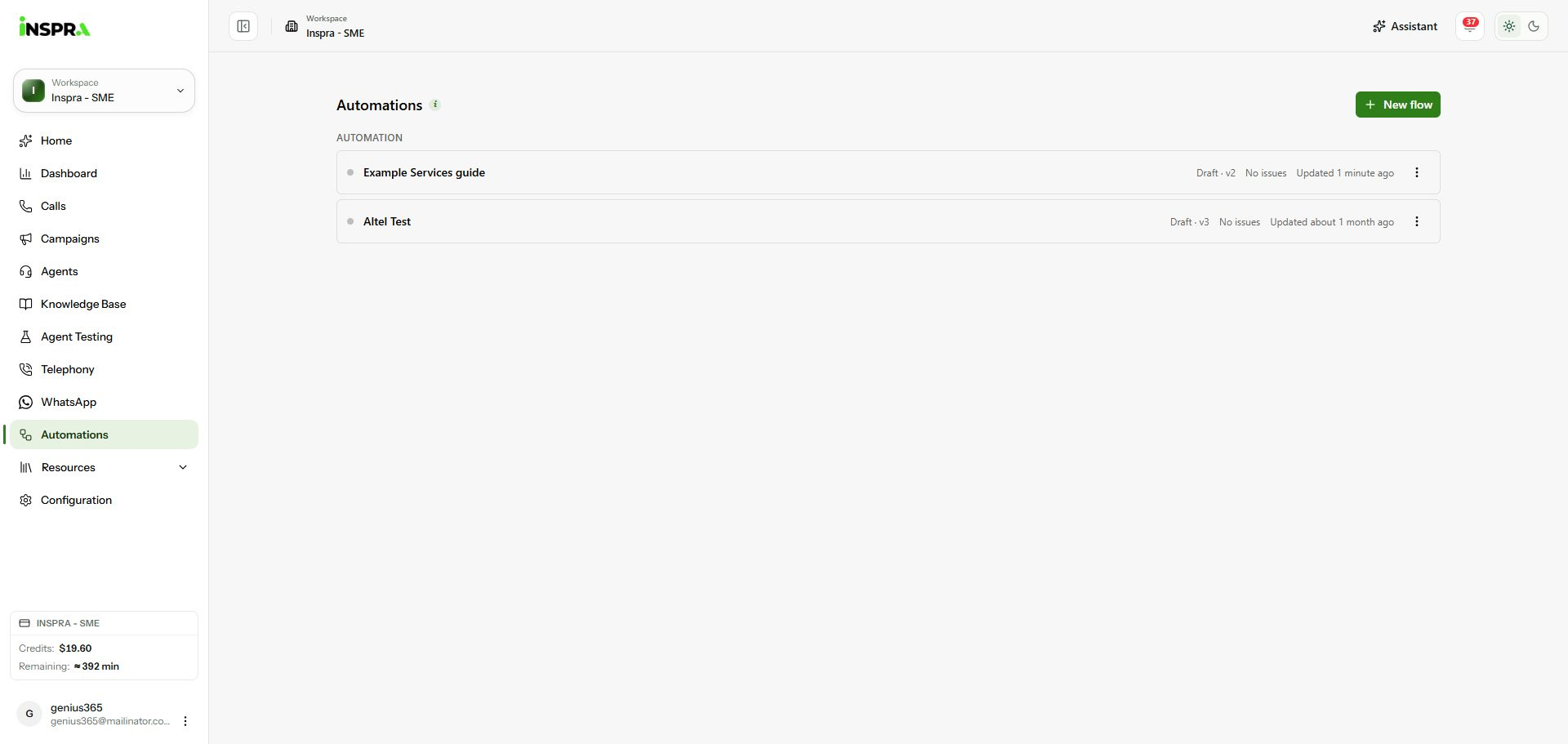
The approved example listed as Draft, version 2, with No issues. 2. Use the row actions
Open the row's three-dot menu. Choose Rename to change its name, Archive to archive it, or Unarchive for an archived flow. Delete asks for confirmation and permanently removes the flow and its saved versions.
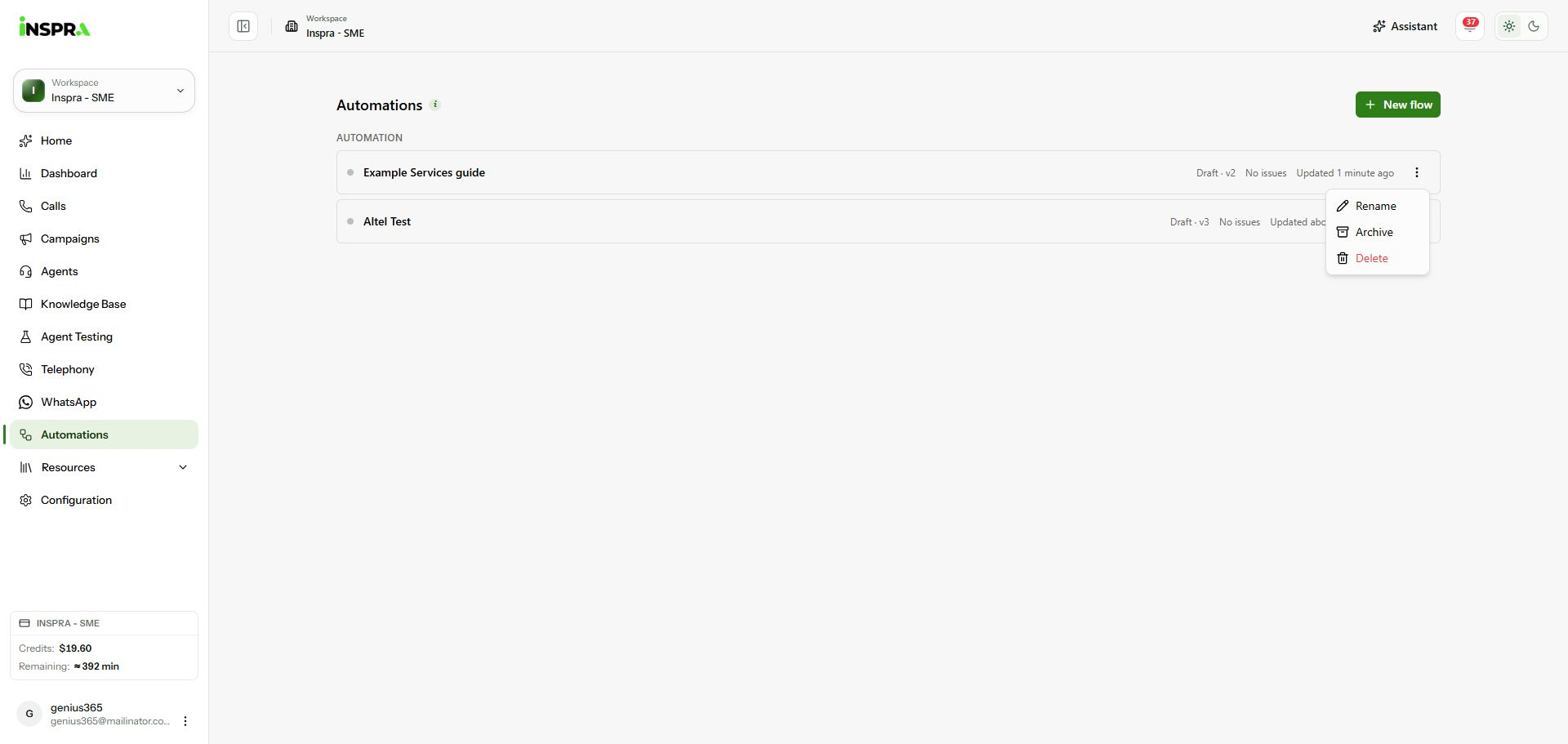
Rename, Archive and Delete actions for the documentation draft. 3. Review saved versions
Open the flow and click Version history in the toolbar. Compare version numbers, validation status, author and save time. Restore saves a new version using the selected graph; it does not erase the intervening history.
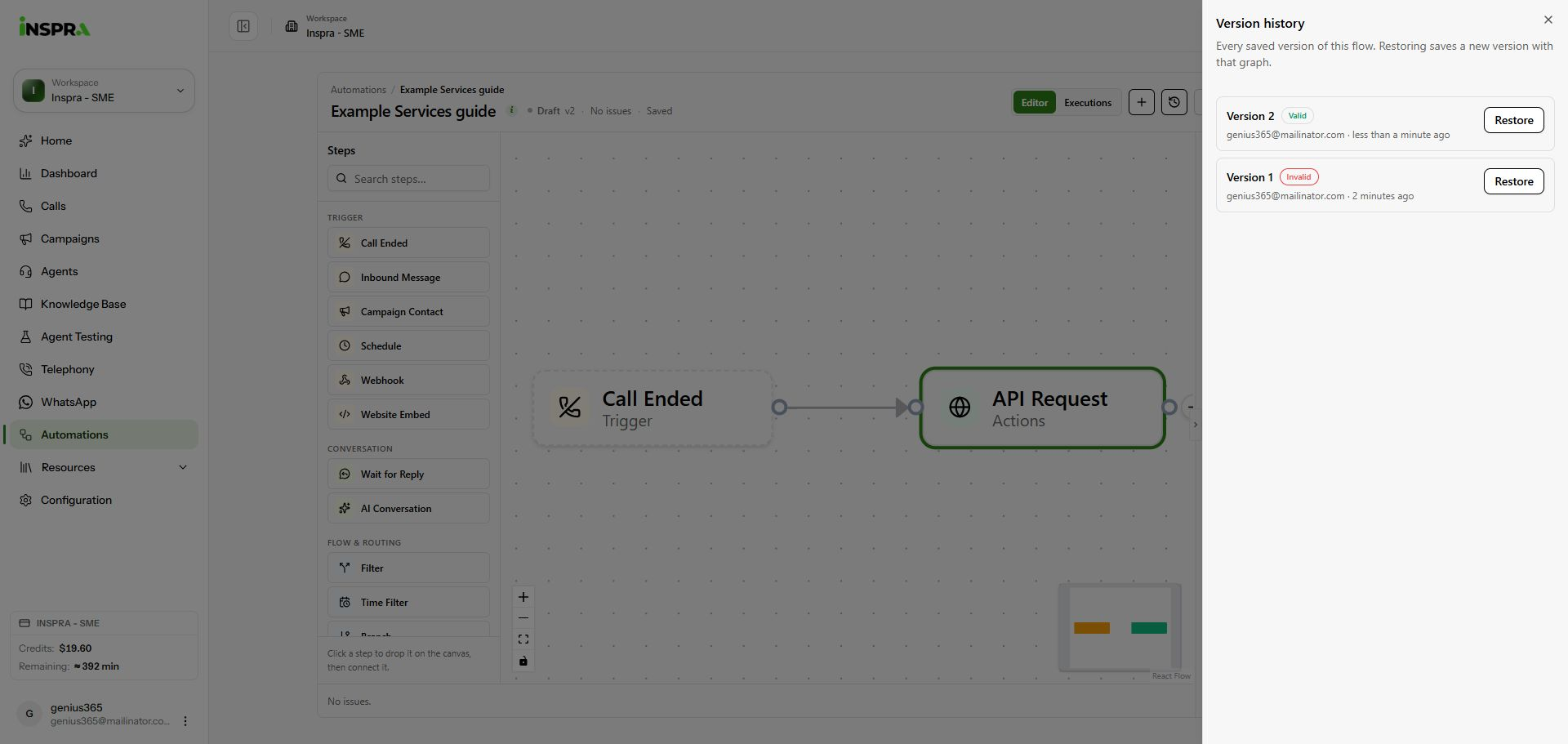
Version history showing the initial incomplete version and the valid saved version.
Automation list
Find a saved flow, manage its entry and review previous versions.