

1. Find your campaign
Open Campaigns in the sidebar. Use search, the status filter and the schedule date range to narrow the list. If nothing appears, choose an older range such as Last Month.
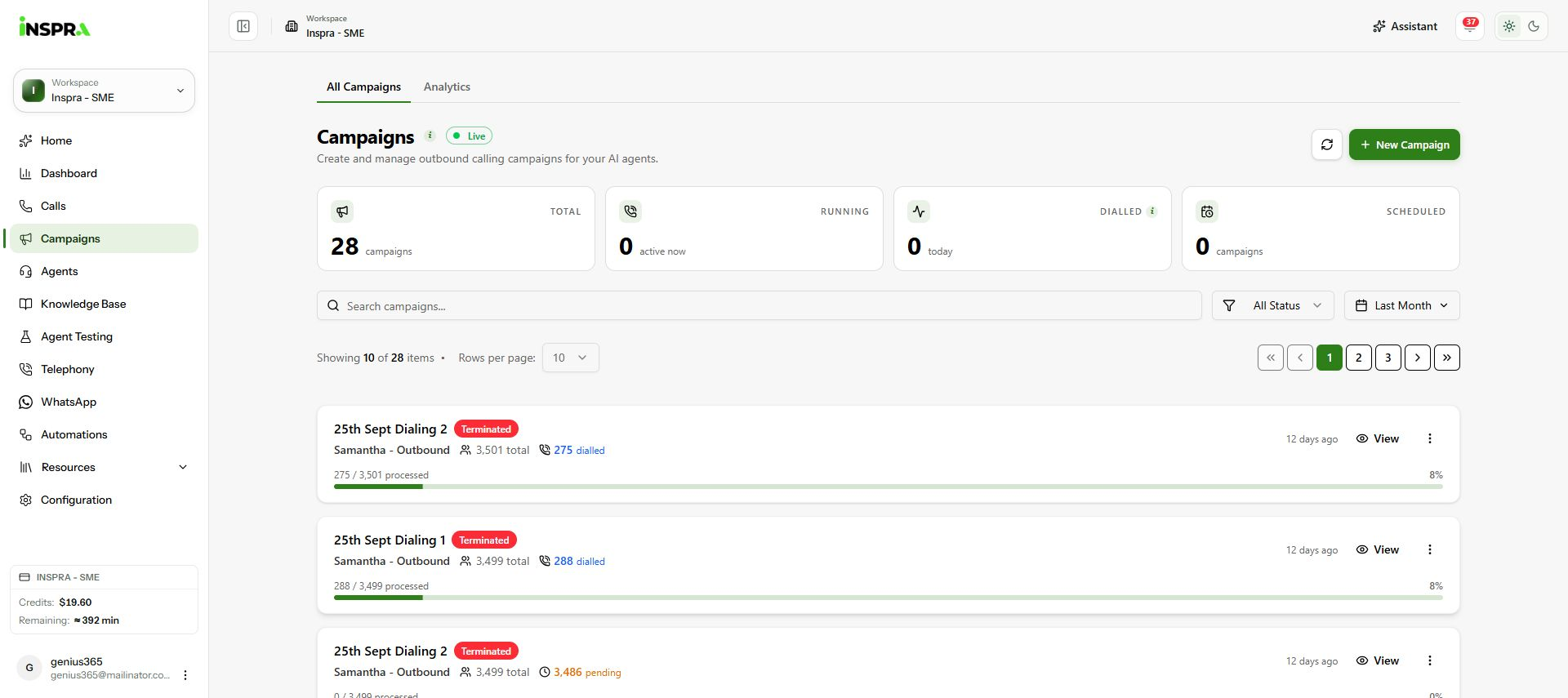
Campaign list with Last Month selected, showing campaign cards and progress. 2. Check its status
Review each campaign's status, recipients and progress. Use Refresh to update the list.
3. Open the campaign
Click a campaign name or View to open its Campaign details. To prepare another campaign, click New Campaign and follow Create campaign.
Campaign list
Find a campaign and open its progress and settings.