

Respond to a request
Open Requests to review what clients have asked for. Available actions depend on the request's state and billing type. You can discuss the request, send a price, approve it when eligible, or decline it with a reason visible to the client.
Maintain the price list
Open Price list to control catalog availability and agency pricing. Review the currency and billing description shown on each item before making a change.
Send a quote
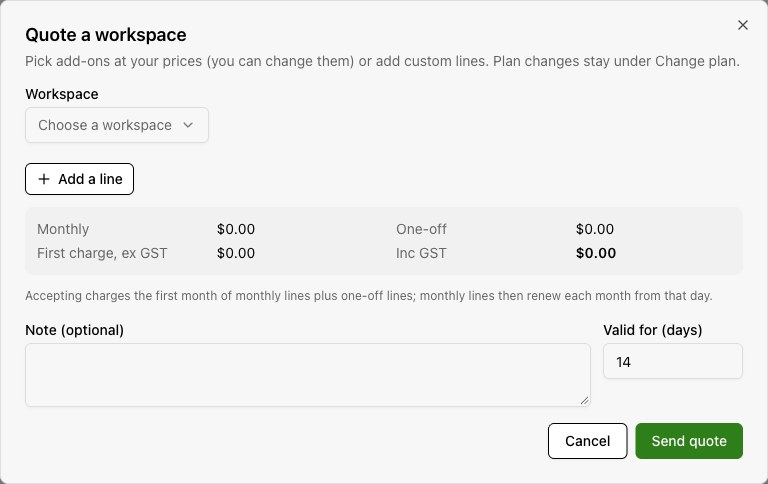
Choose a workspace
Open Quotes and start a quote for the intended client workspace.
Build the offer
Add catalog items at your prices or add custom line items. Review the amount for every line.
Set context and expiry
Add an optional note and the validity period, then send the quote.
Follow its status
The client sees the offer under Add-ons > Requests. Track whether the quote is sent, accepted, declined, or expired.
Workspace plan changes remain under Change plan. An add-on quote is a separate offer.